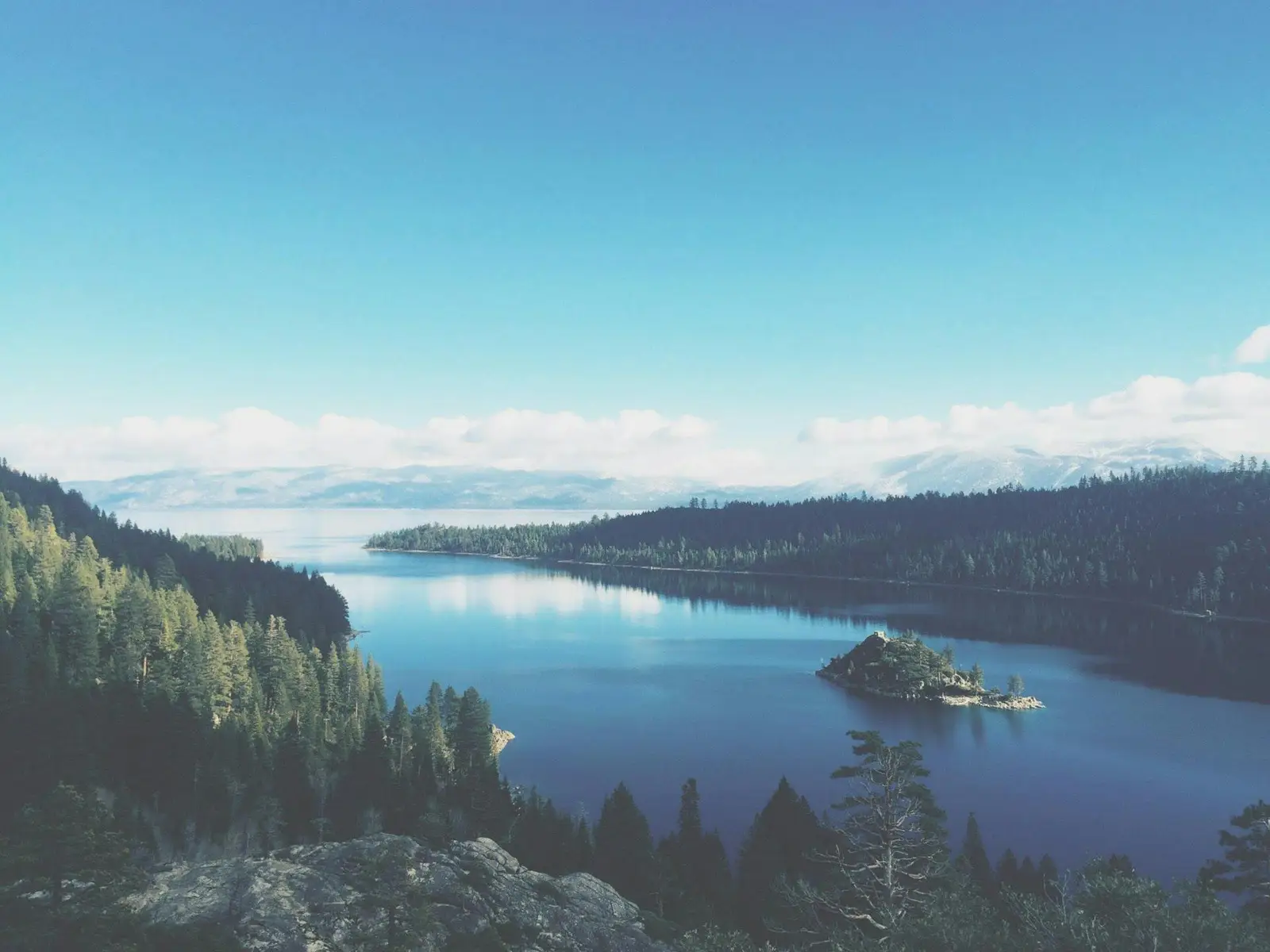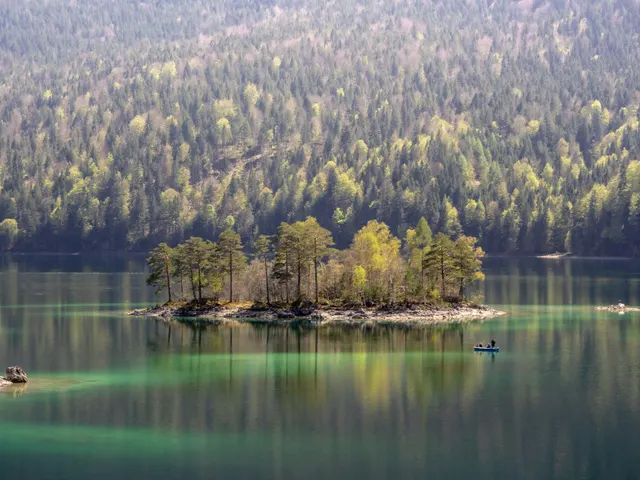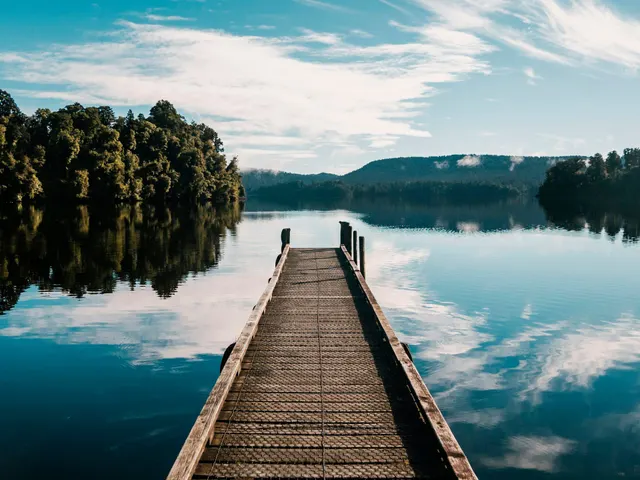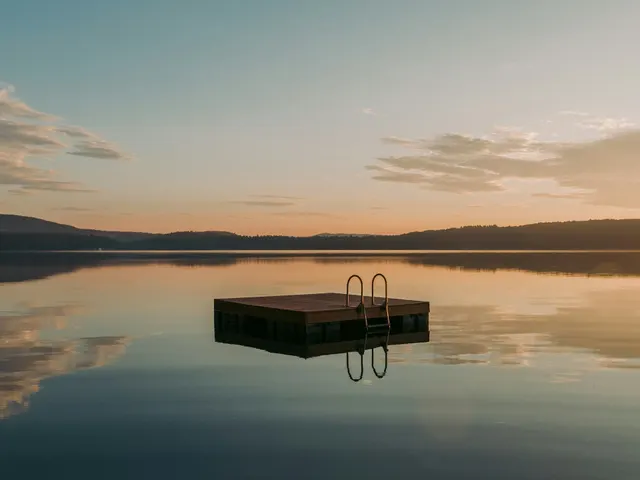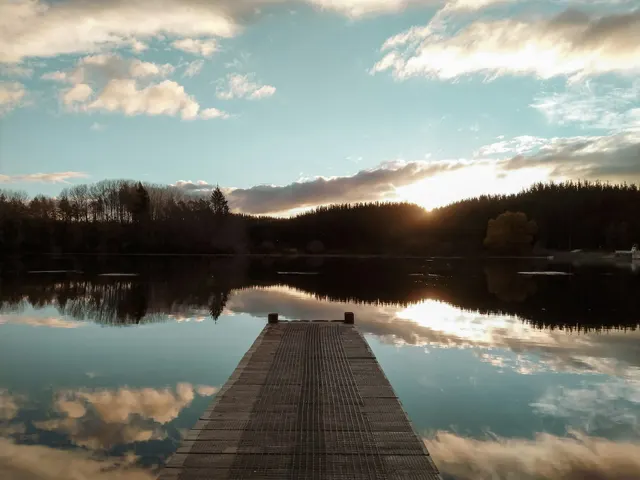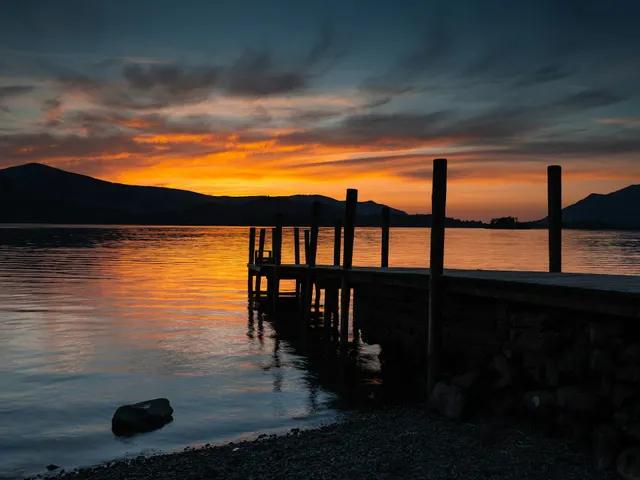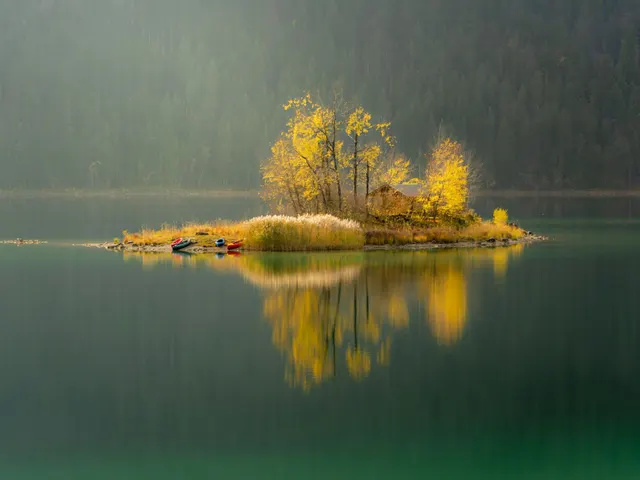
Play this Island on Lake Tahoe in the Mountains photo puzzle online
This puzzle turns Island on Lake Tahoe in the Mountains into an interactive table in your browser. The picture is best described by its catalog subjects: nature, water, lakes, forest, travel, aerial, and landscape. Those details give you several useful anchors while solving. Start with the outside edge, then look for strong changes in color, texture, light, and direction. Distinct objects are usually easier to assemble first; broad skies, water, foliage, stone, or repeating patterns can wait until the main landmarks are in place.
You can open the puzzle without creating an account. Nothing needs to be downloaded, and the table works with a mouse, touchpad, or touch screen. Choose a piece count before you begin. If you only want to preview the cut and the image, twelve pieces is quick. For a normal break, forty-eight pieces gives the photo enough structure to feel like a real jigsaw while remaining comfortable on most screens.
Choose 12, 48, 108, or 192 pieces
The 12-piece cut is designed for a very short solve, younger players, small phone screens, or anyone meeting the image for the first time. Large pieces make the major shapes easy to recognize. It is also a useful way to learn how dragging, snapping, zooming, and the optional picture reference behave before moving to a denser table.
Forty-eight pieces is the balanced choice. There are enough edge pieces and internal shapes to support ordinary jigsaw strategies without filling the screen. One hundred eight pieces asks for more deliberate sorting. Separate the border, identify the brightest and darkest regions, and build recognizable clusters away from the final position before joining them. The 192-piece cut is intended for a longer sitting and is easiest on a tablet or computer where more of the board can remain visible.
Every difficulty uses the same source photo and stable URL. You may replay Island on Lake Tahoe in the Mountains with a different cut whenever you want. Moving to a larger piece count changes the challenge without forcing you to search for the picture again.
How to solve this photo efficiently
Begin by turning on the picture reference if you want a clear map of the finished scene. Find the four corners, then collect pieces with a straight outside edge. Once the frame is complete, group the remaining pieces by visible evidence rather than by guessing where they belong. Color is useful, but texture and line direction are often more reliable. A diagonal branch, a horizon, the edge of a building, or a sharp boundary between light and shadow can connect a group even when several pieces share the same color.
For a scene built around nature, water, lakes, forest, travel, aerial, and landscape, compare small transitions carefully. Look for changes from smooth to rough surfaces, foreground to distance, warm to cool light, and detailed to open areas. Build compact clusters that you can move as a unit. When a piece is close to its correct neighbour, Pieceful snaps the pair together, so you do not need pixel-perfect placement.
Controls for phones, tablets, and computers
On a computer, drag with the mouse or trackpad and use the table controls for the reference image, ghost outline, and cut options. On a phone or tablet, drag with one finger and pinch to zoom. Zoom in when similar pieces are crowded together, then zoom back out to compare your clusters with the full picture. The play area remains in the web page, which makes it easy to follow the title, reopen this detail page, or choose another difficulty.
Your ordinary play state stays in the current browser. An account is not required to solve gallery puzzles. Signing in is only relevant to features that explicitly say they save a public or cross-device record. This public photo page does not expose personal uploads or gift images.
About the photo and its license
The catalog title and tags are stored with the photo when it is approved. Pieceful keeps resized WebP files in R2 for the board and thumbnails, while KV stores the searchable title, subjects, publication time, popularity signals, and credit. That same record automatically updates the latest-puzzle shelf, this detail page, related links, and the XML image sitemap.
Photo by Josh Clemence on Unsplash · license. The credit links lead back to the photographer, source photo, and applicable source license when those fields are available. Pieceful uses the image as the visual material for this online jigsaw; it does not sell a printed copy.
Common questions
Is this Island on Lake Tahoe in the Mountains jigsaw free?
Yes. You can open the table and choose a supported piece count without paying or installing an app.
Do I need an account?
No account is required for this puzzle. Open a difficulty button and start dragging pieces.
Can I play on a phone?
Yes. Use one finger to drag and pinch to zoom. A smaller piece count is usually more comfortable on a narrow screen.
Can I make a jigsaw from my own photo?
Yes. Use the photo jigsaw uploader for private play, or make a photo puzzle gift with a sentence that appears after the final piece clicks.