Pieceful

Home / Latest puzzles

Space Photo Jigsaw Puzzles

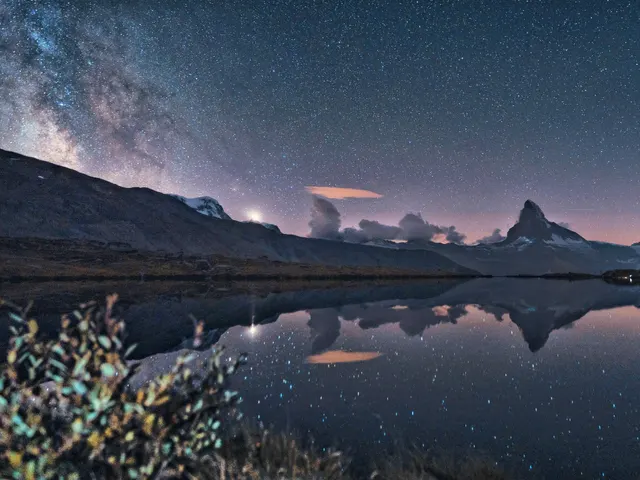
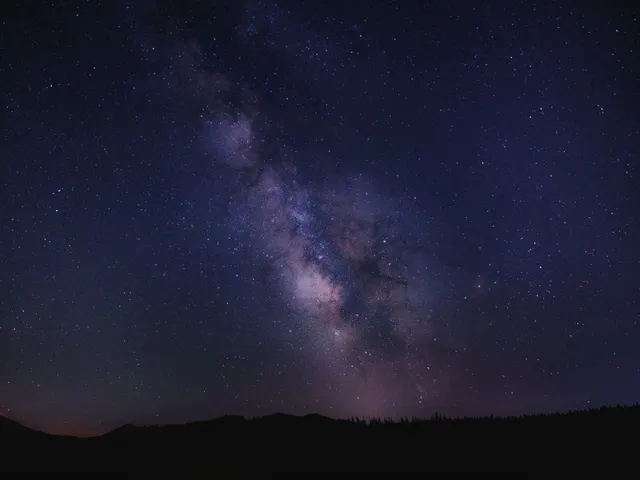
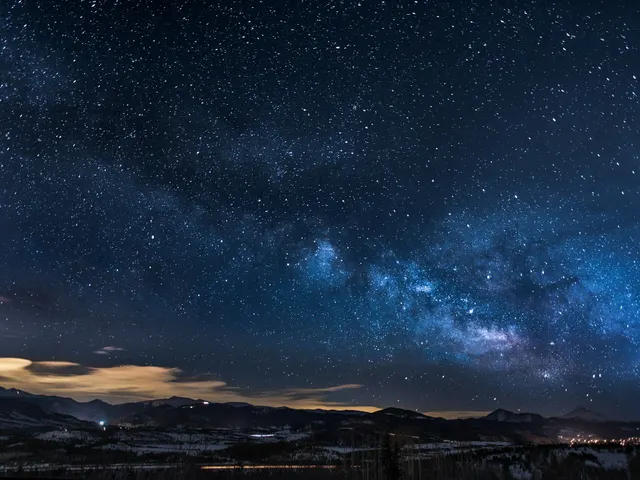
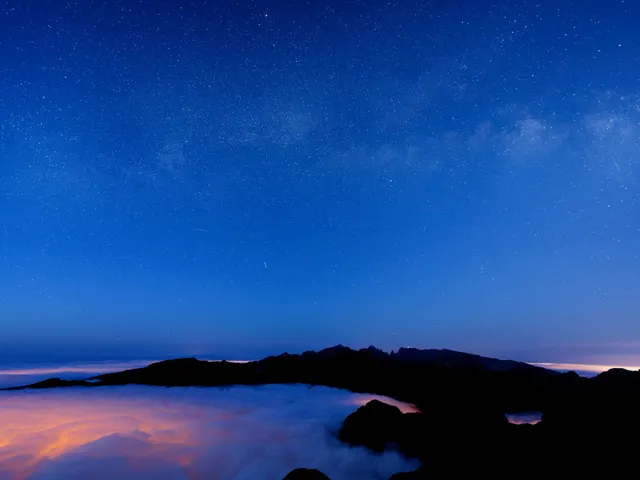
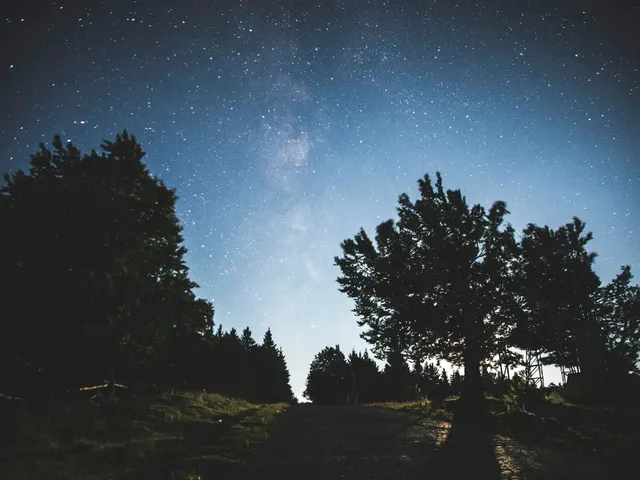
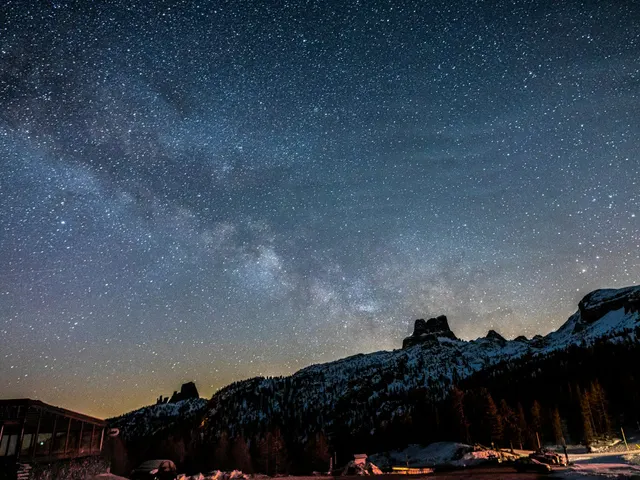
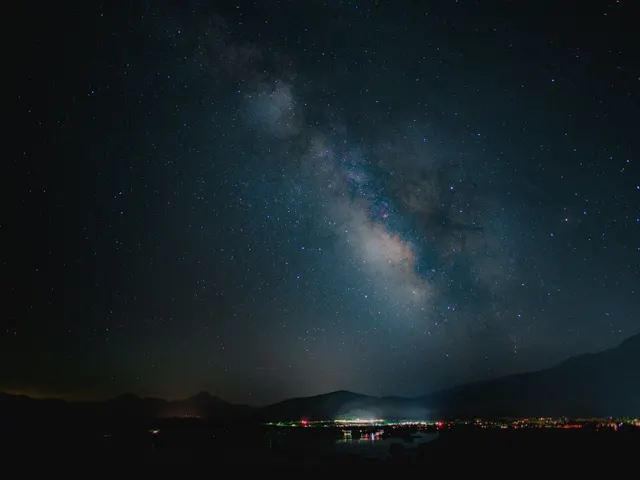
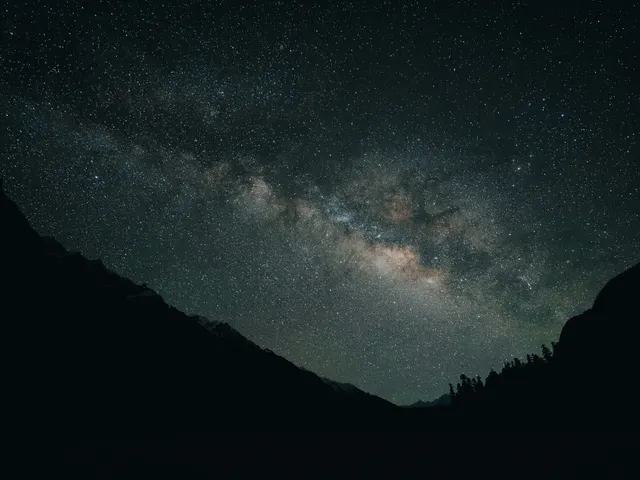
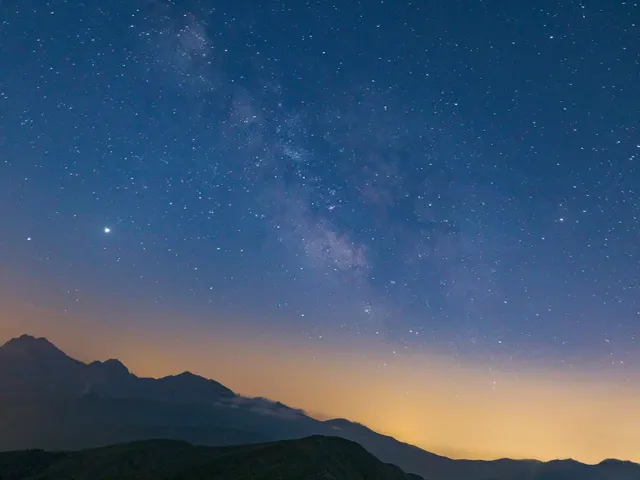
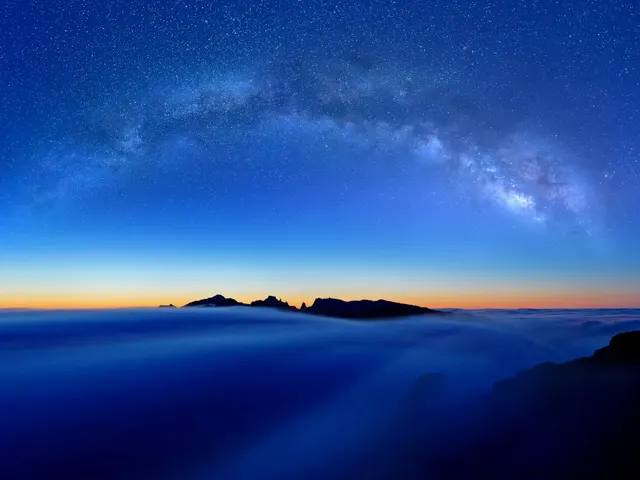
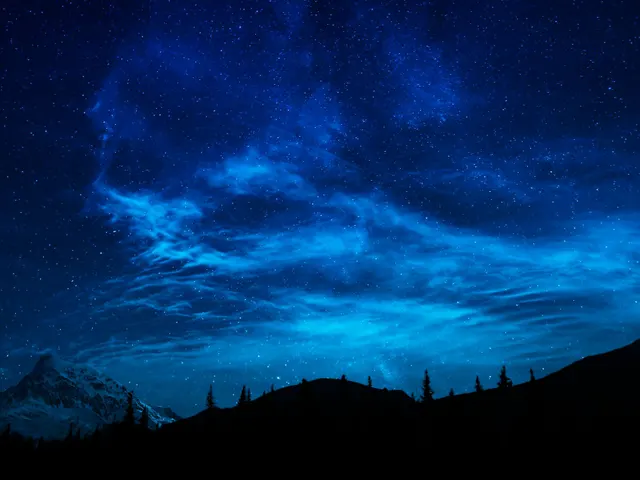
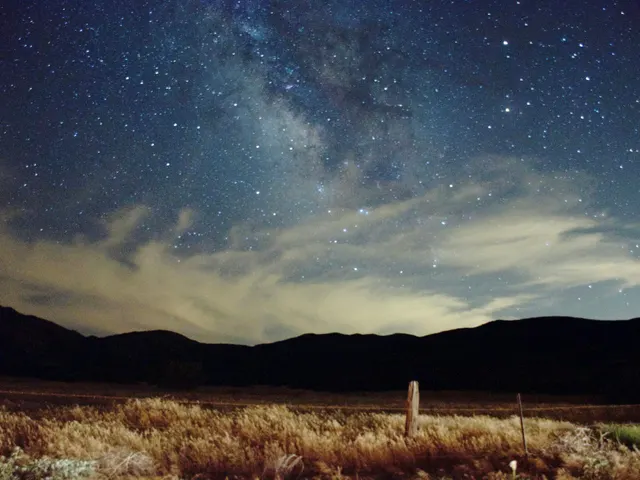
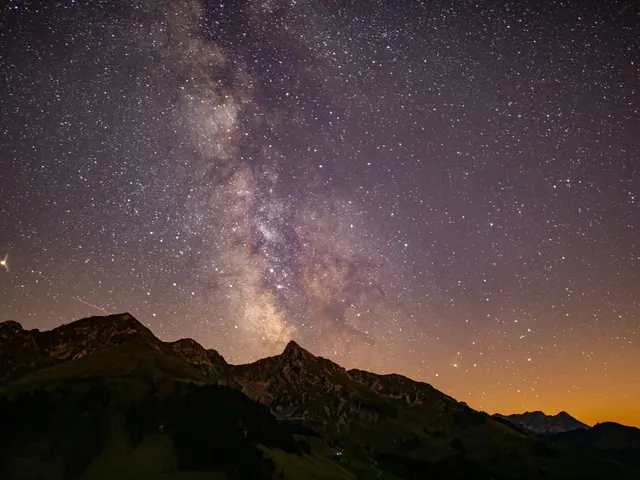
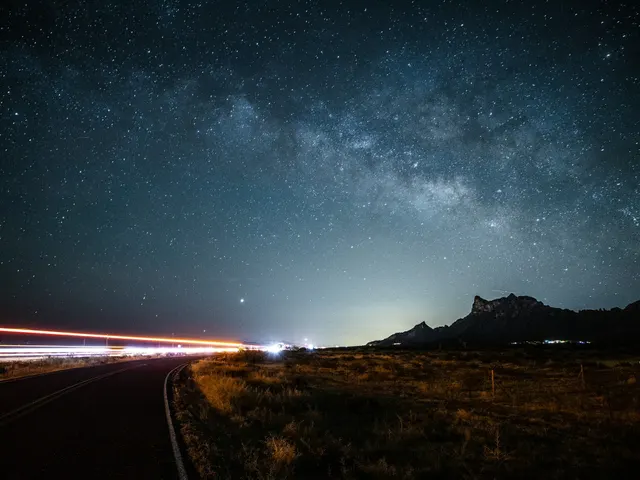
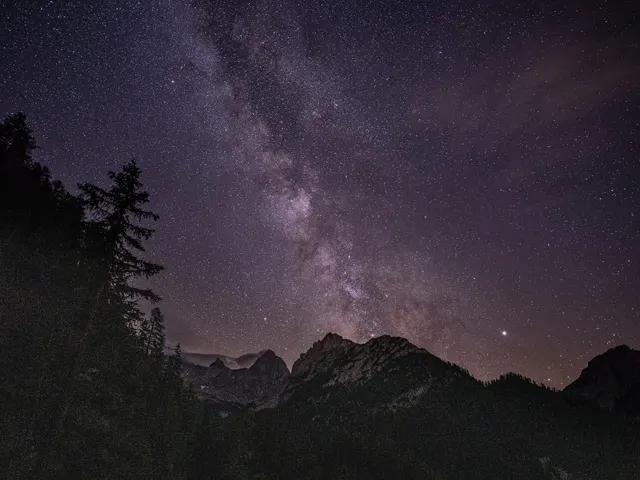
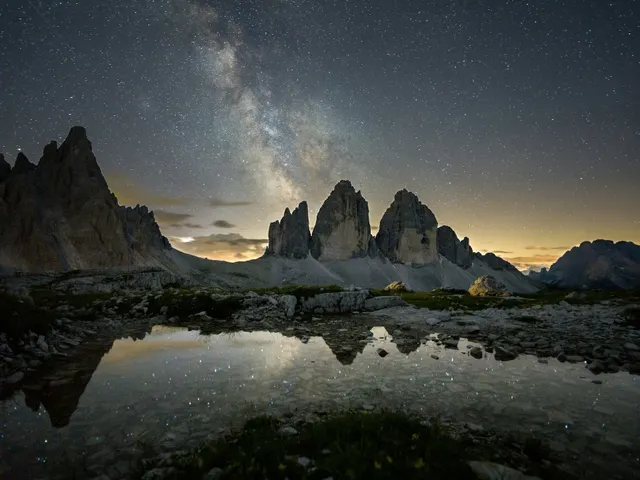
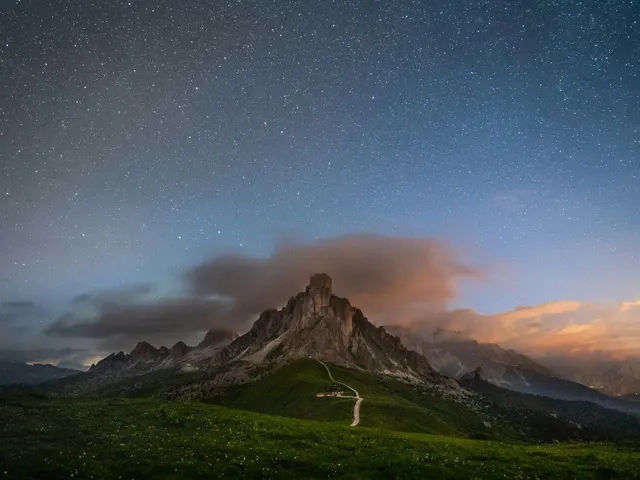
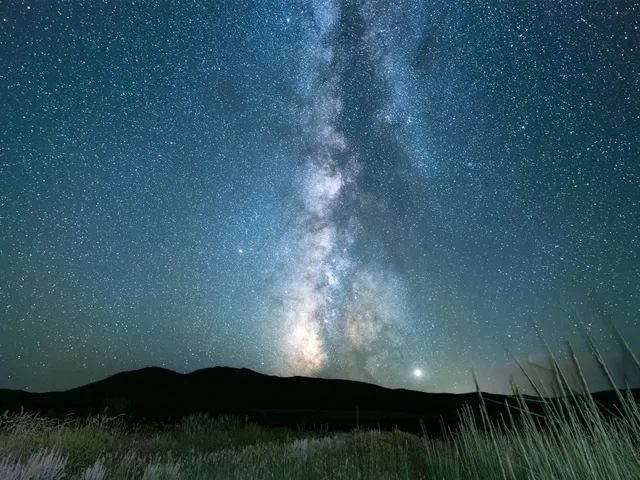
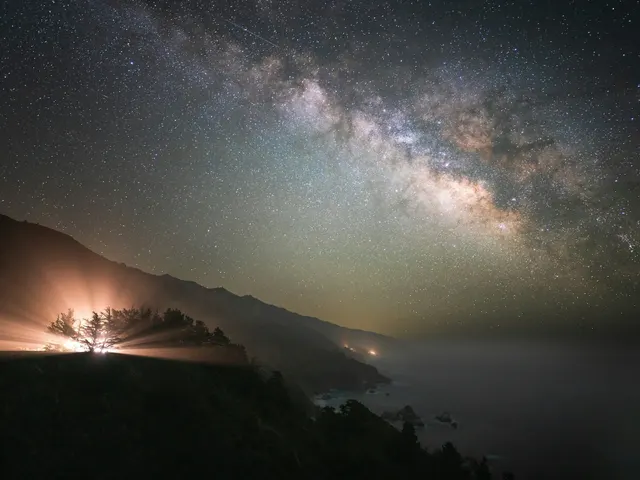
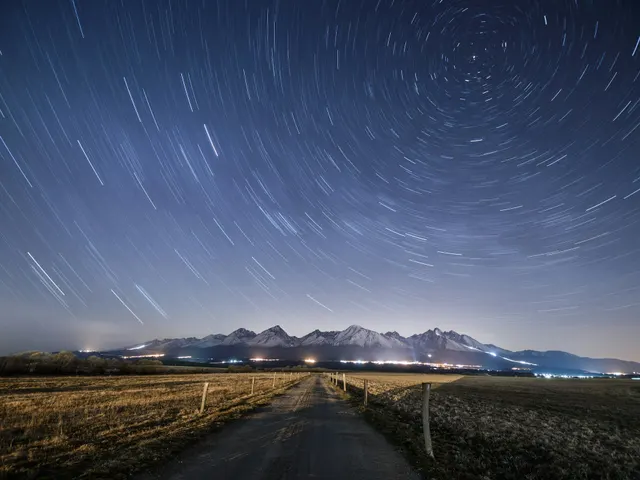
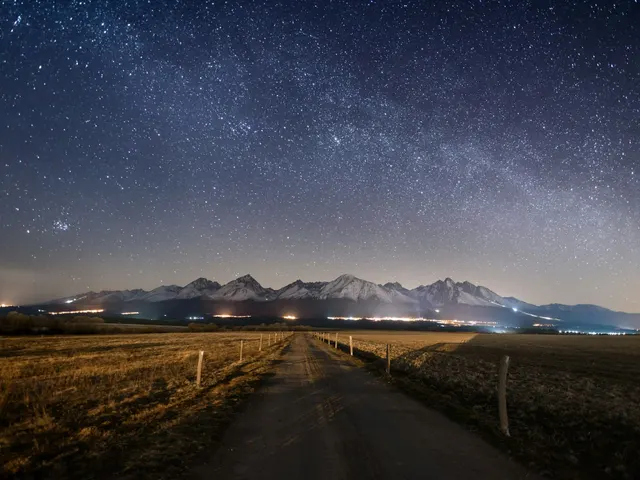
Browse the newest space photo jigsaw puzzles on Pieceful. Choose 12 to 192 pieces and play free in your browser. This crawlable shelf is updated from the live catalog whenever a new photo is added, so every approved puzzle gets an internal link without waiting for a new site build.

All latest Aerial Autumn Forest Gradient Lakes Landscape Mountains Nature Night Ocean Seasons Sky Space Sunset Travel Tropical Underwater Water

New free jigsaw puzzles from real photos

Every item on this page is a playable online jigsaw rather than a picture-only gallery entry. Open a photo to see its dedicated puzzle page, then choose a quick 12-piece cut, a relaxed 48-piece table, a challenging 108-piece cut, or any available size up to 192 pieces. The puzzle runs in the browser, so there is no app to install and no account is required for ordinary play.

The newest photos stay near the front of this index. Older additions remain reachable through the numbered pages, the XML photo sitemap, related-puzzle links, and subject filters. That structure gives people and search crawlers a stable route to every live image while keeping the home page compact.

How Pieceful chooses and publishes photos

Live catalog photos are resized into a play image and two card thumbnails before publication. The larger source file is not copied into the static website. R2 holds the WebP image files and KV holds the title, tags, date, popularity signals, and photo credit. Once a record is approved, this page, its individual puzzle page, the home-page shelf, and the photo sitemap all read the same record automatically.

Titles describe the visible scene so you can decide whether its colors and shapes suit the kind of puzzle you want. Tags group related subjects such as nature, cities, animals, water, flowers, and seasonal scenes. Photo credits and source-license links remain on each puzzle page.

Pick a difficulty that fits your time

Twelve pieces is a short introduction on a phone or a simple puzzle for children. Forty-eight pieces gives the picture enough structure for a relaxed sitting without becoming a long project. One hundred eight pieces asks you to sort colors, edges, and repeated textures more carefully. The largest cuts work best when you have a bigger screen or want to return to the same picture for a longer session.

If a scene has clear landmarks, strong color blocks, faces, or a distinct horizon, it is usually easier to organize. Forests, water reflections, clouds, stone, and repeating patterns create a harder solve because neighboring pieces can look similar. You can begin with a smaller cut and replay the same photo at a higher difficulty later.

Play on a phone, tablet, or computer

Drag pieces with a mouse or one finger. On touch screens, pinch to zoom when the table becomes crowded. Optional helpers include the picture reference and ghost outline. Your active play state stays in the browser, and the public photo itself remains available from this stable puzzle URL.

Why every new photo gets a stable page

A new catalog record receives its own puzzle ID instead of being available only inside a temporary gallery filter. That ID becomes the canonical detail URL, the play links for each difficulty, the image-sitemap entry, and the key used to find the R2 files. The title, tags, publication date, credit, and related-puzzle choices all come from the same KV record, so adding a photo cannot leave behind an unlinked image or a sitemap URL with no corresponding page.

The latest shelf is paginated with ordinary links. New records start on page one, and older records move to later pages instead of disappearing. Individual detail pages also link back to this index and sideways to photos that share the same subjects. That gives each puzzle more than one crawl path and gives players a useful next choice after they finish a scene.